
Update Your Profile
2 min readUpdated
HuntYourTribe - Prosona360 platform enables you to edit your shareable profile with ease in simple steps
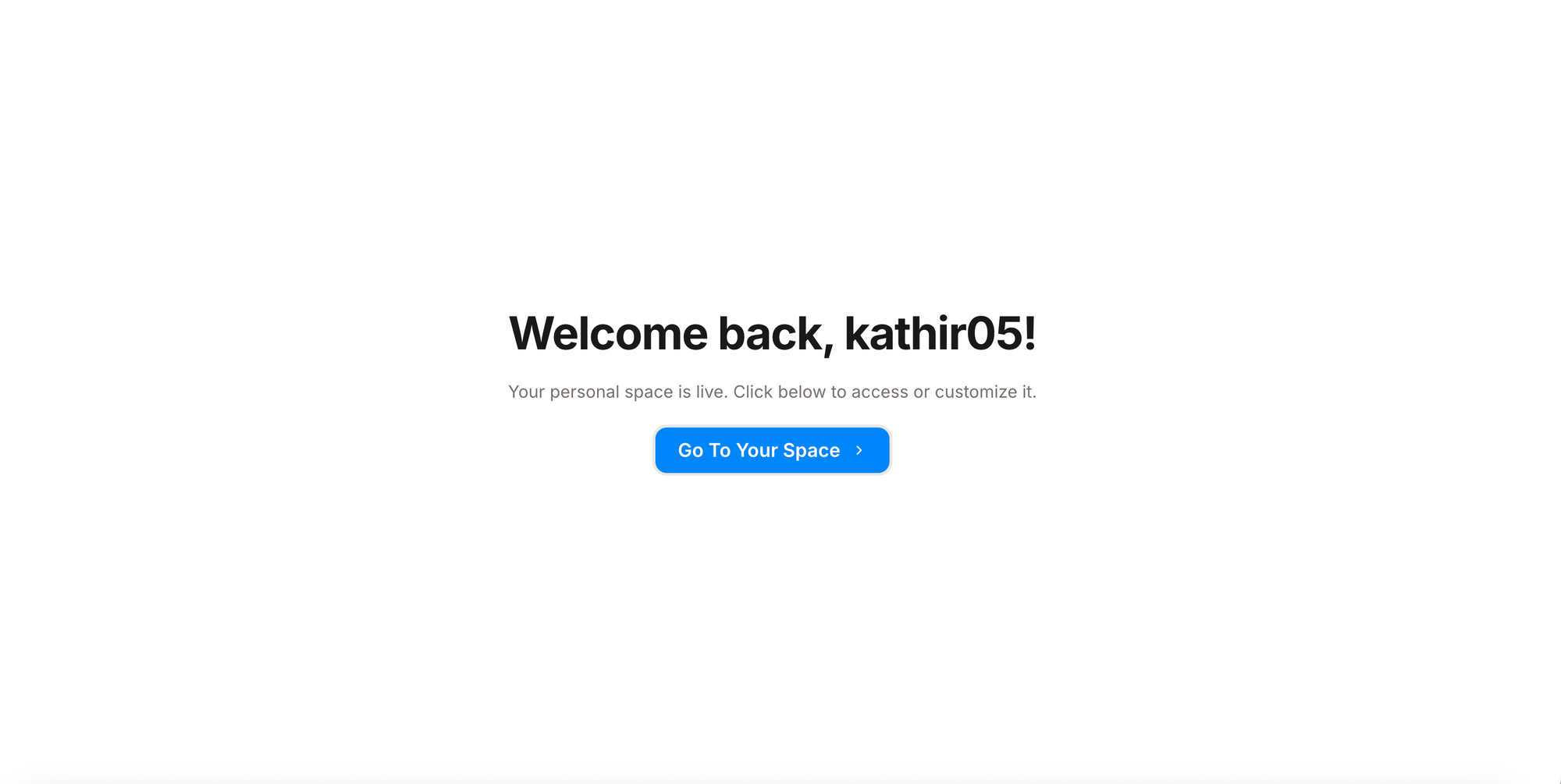
Log in from the HuntYourTribe homepage
- Click on "Sign in" button on top right corner.
Settings Panel
We have positioned our nav bar at the bottom.
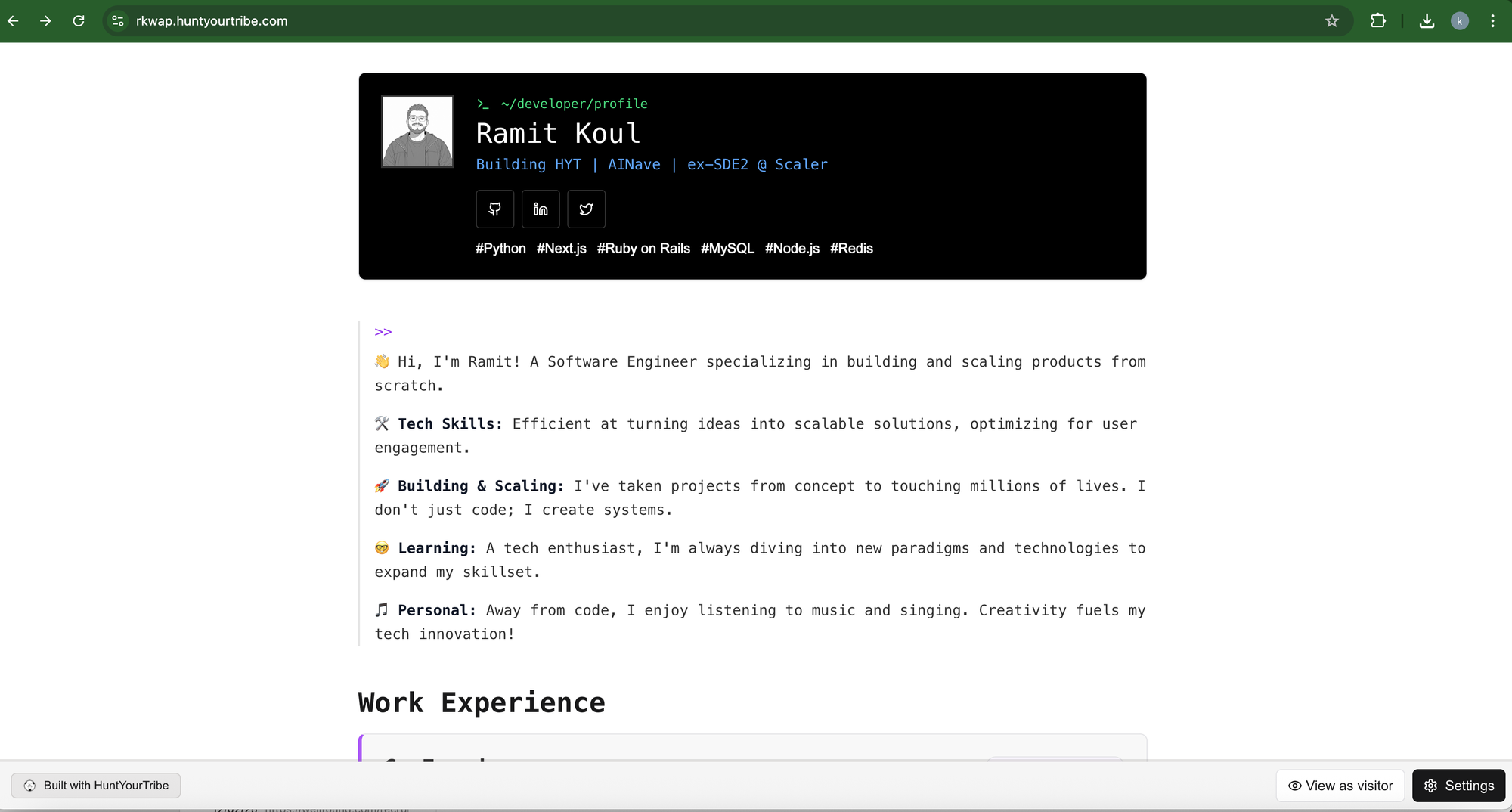
- Click on the “Settings” button, here, you can hyper-personalize your profile.
- Click “Personal Space”.
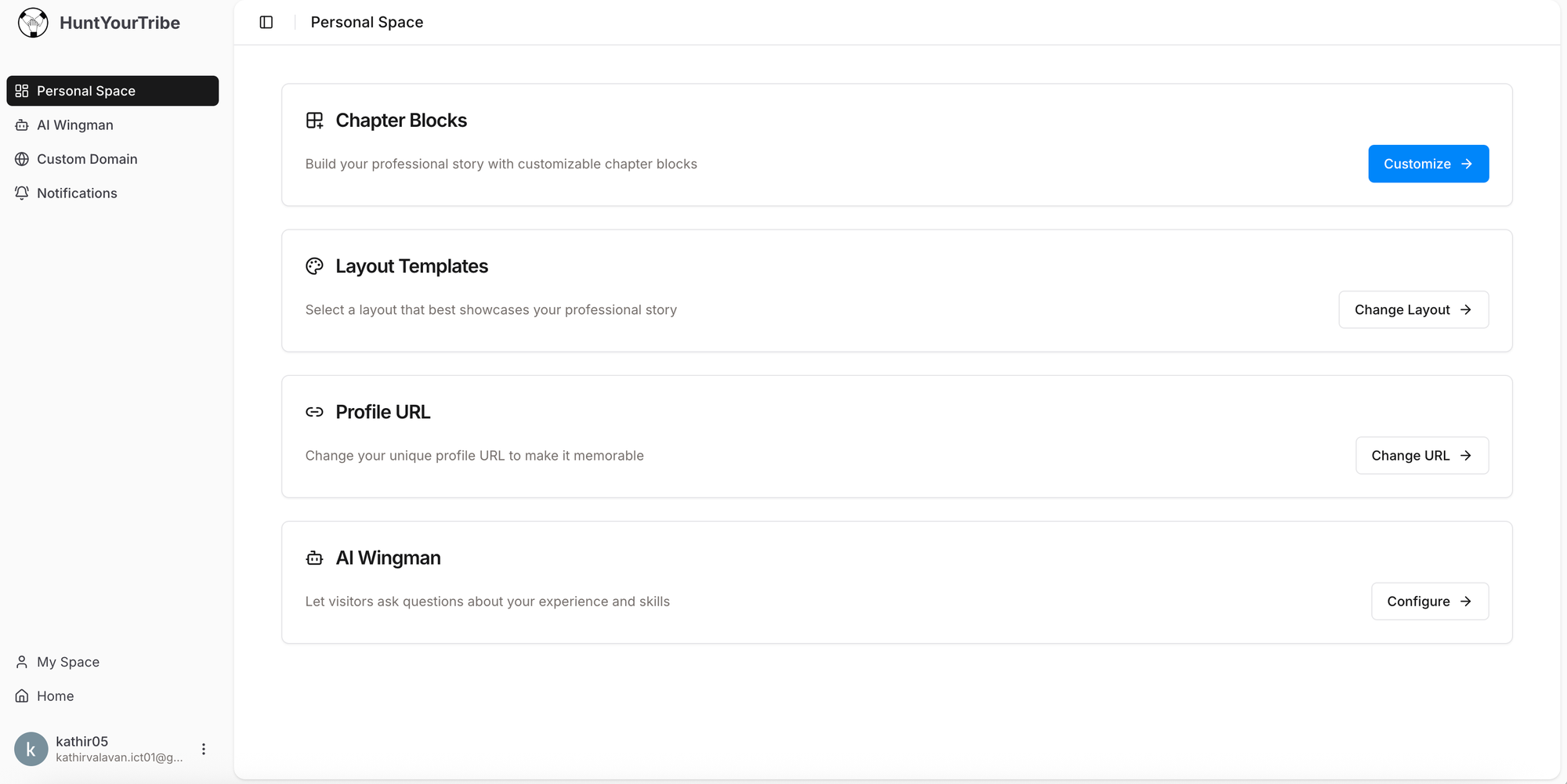
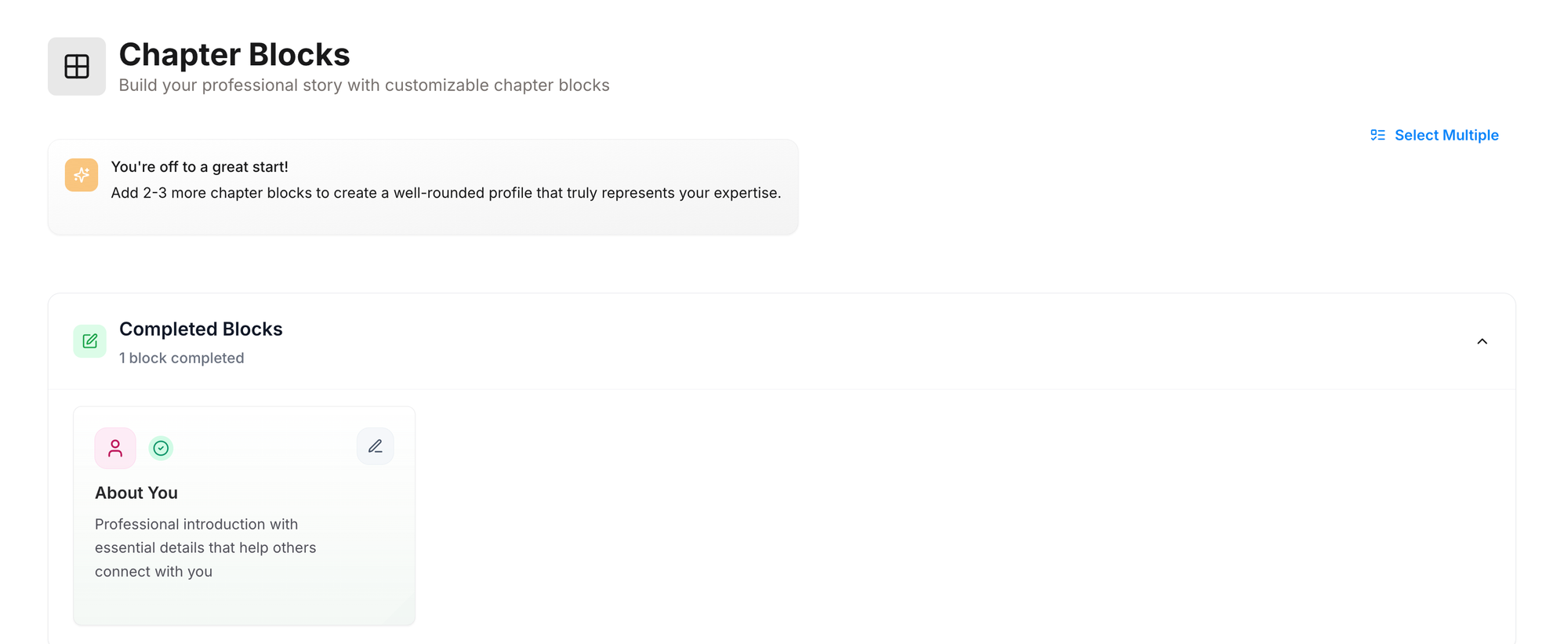
- Click on "Customize" button from Chapter blocks.
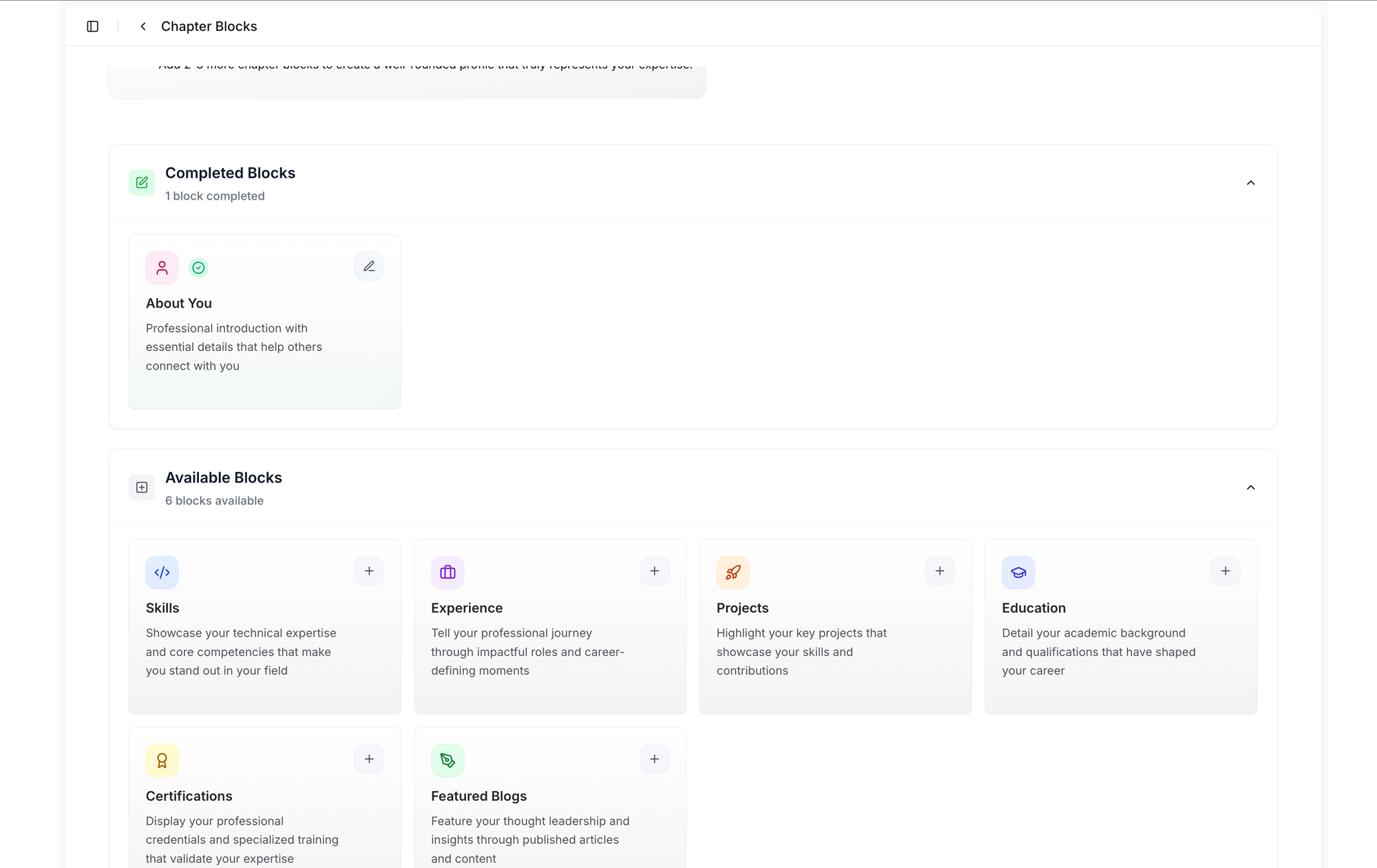
Add new blocks, Edit existing blocks, BULK edit blocks
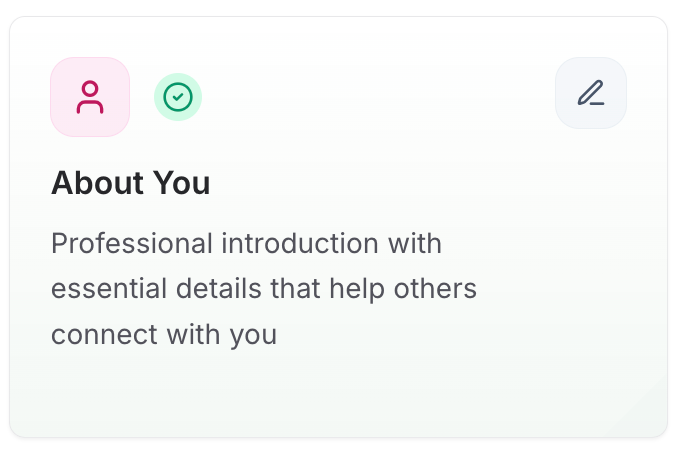
- You can click the “edit” icon in each section to edit individually.
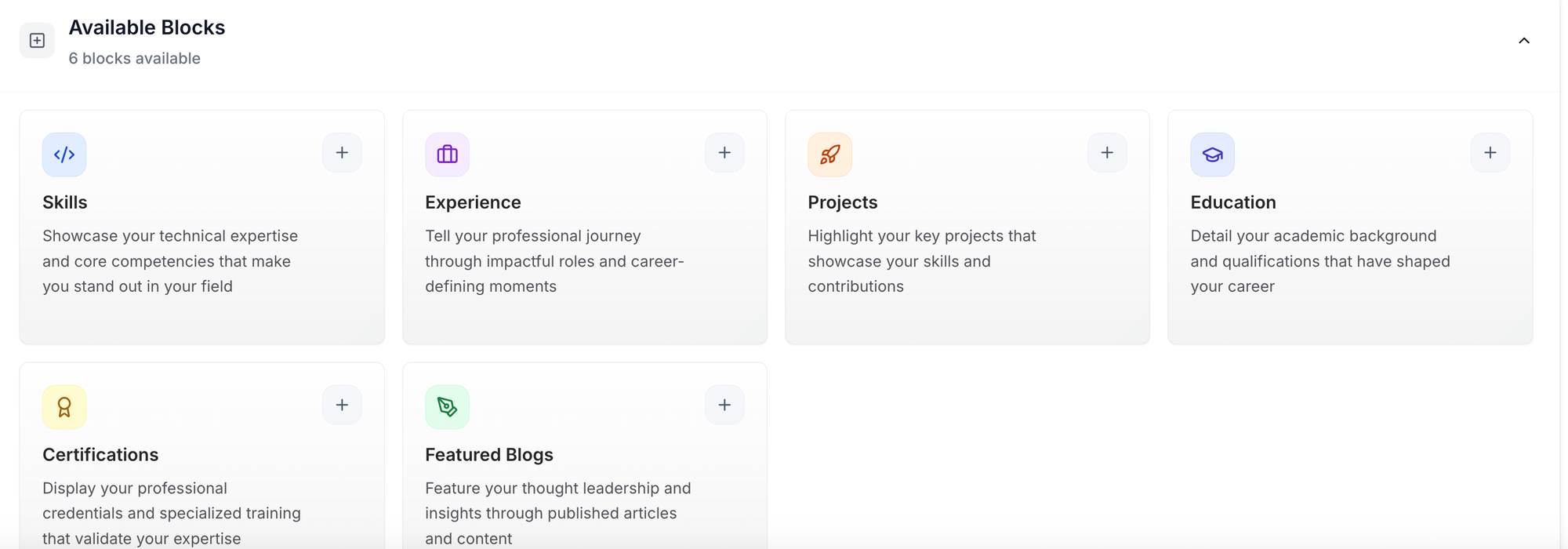
- In “Available Blocks ”, you can click the ‘+’ icon to add details individually.
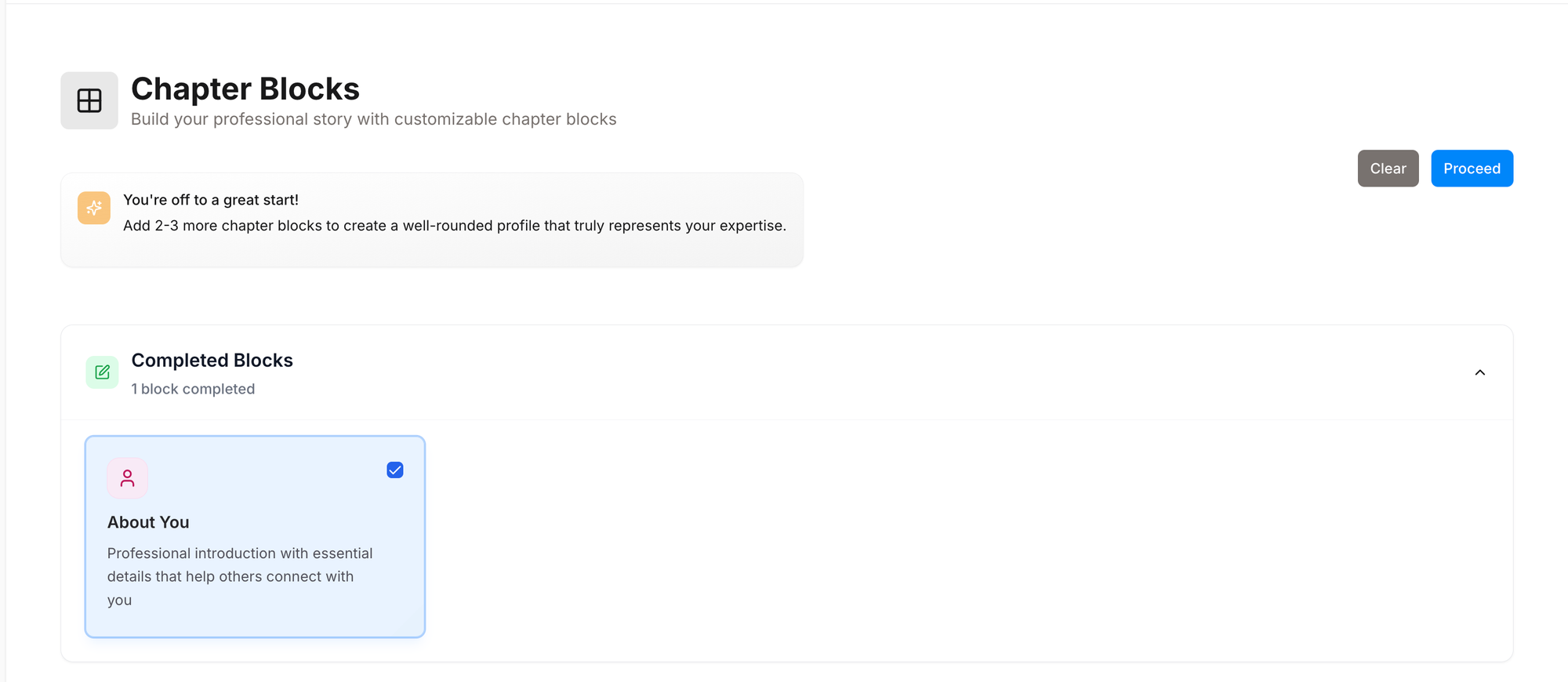
- Click “Select multiple” to toggle bulk select mode, click on the checkbox for the sections you need to add details.
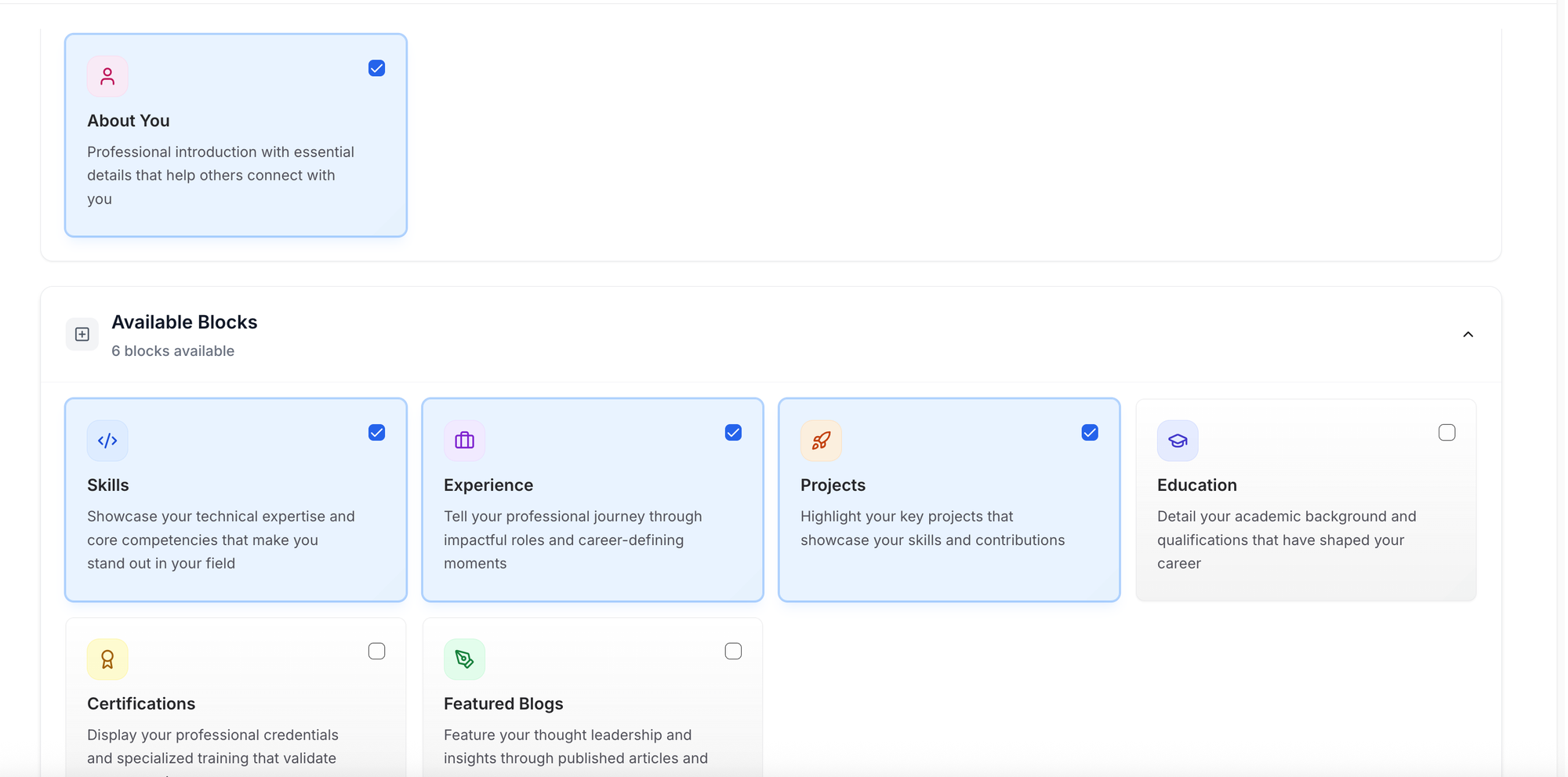
- Click “Proceed”.
- Fill in the details by navigating on the left side and click “Save & Continue”.
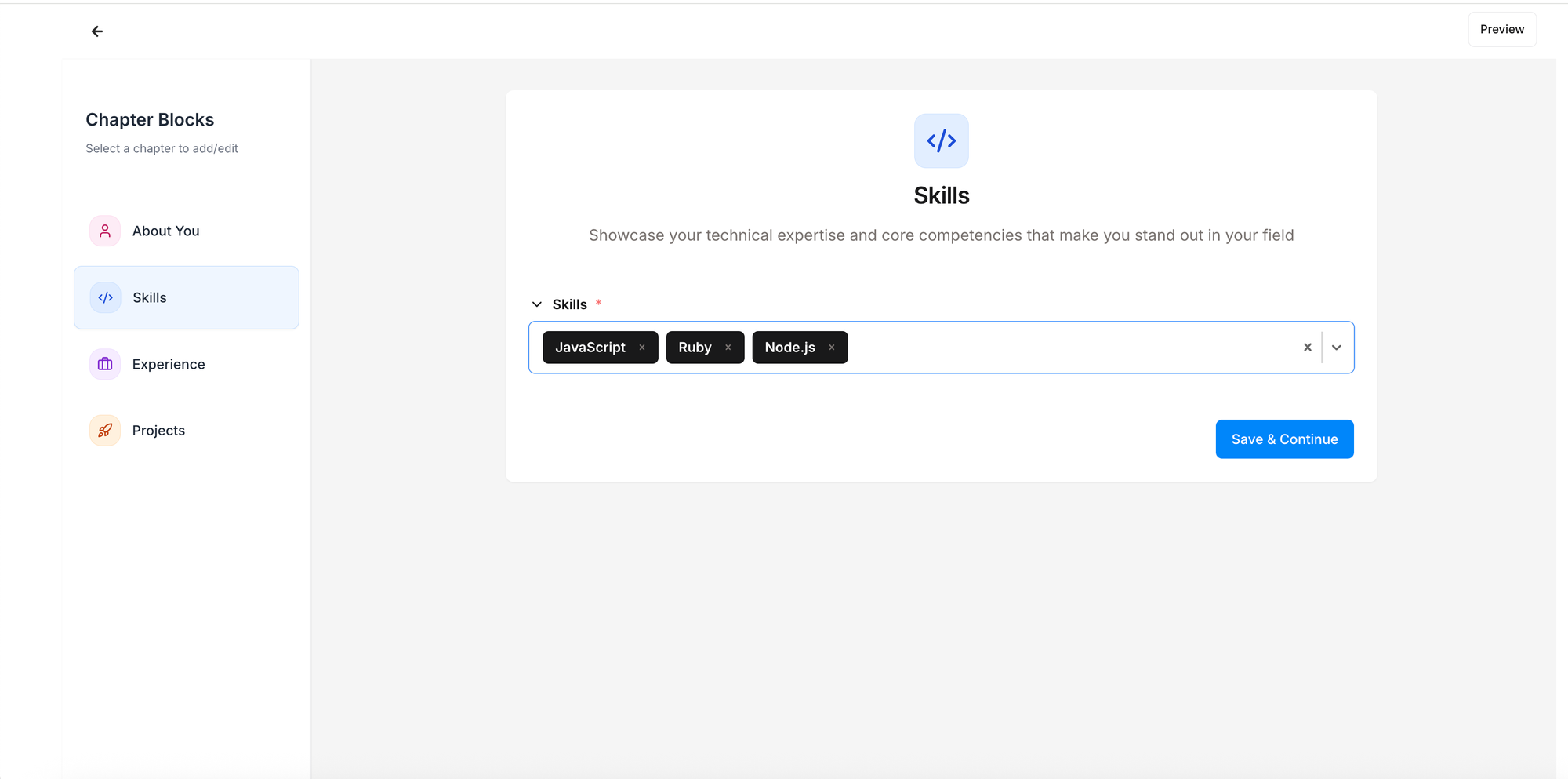
- You can anytime view the last saved changes by clicking on “Preview” in top right corner.
- Finally, in the last section, after filling in, click “Publish”.
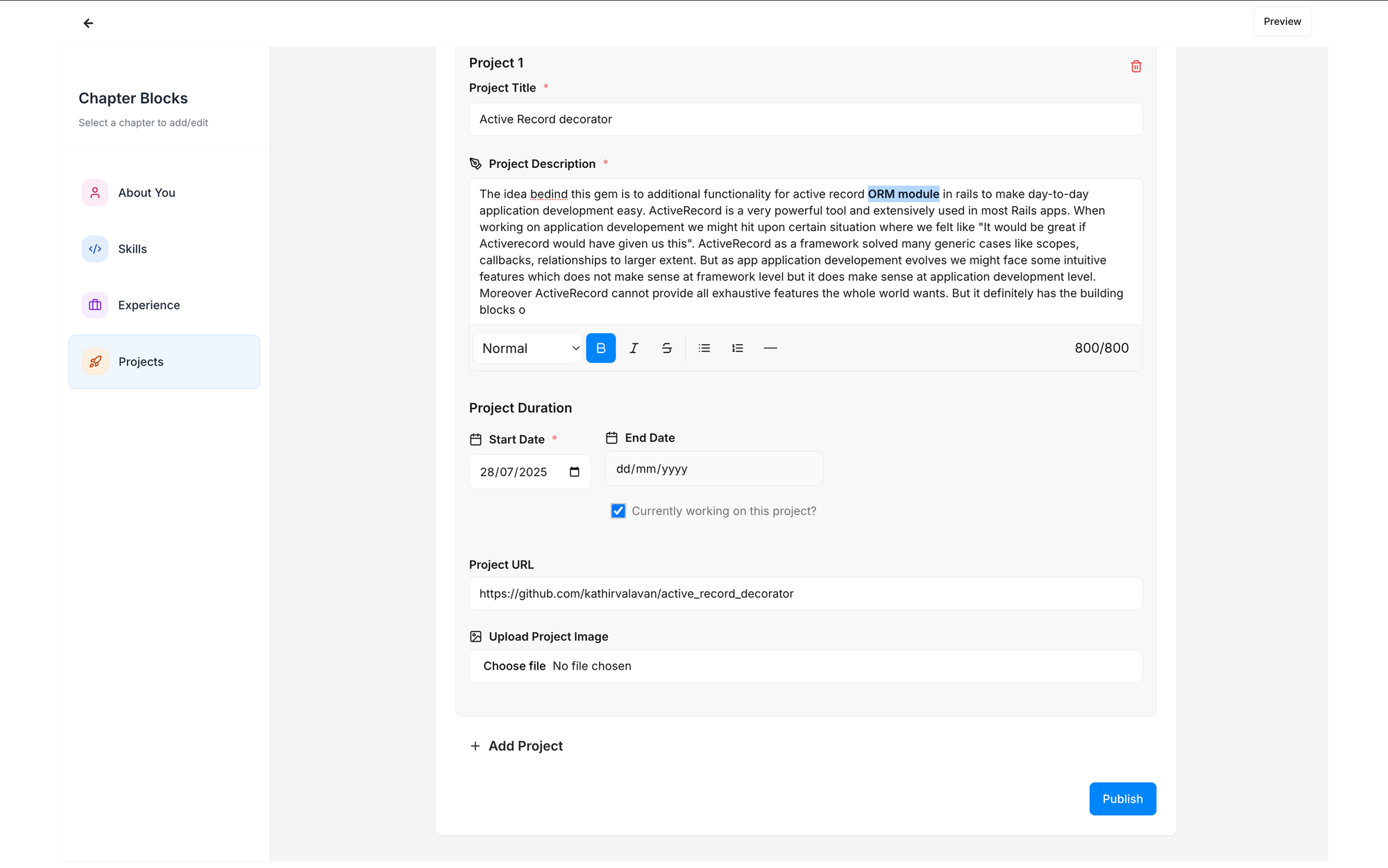
Now your profile is live and ready to share!
Read more about how you can amplify your profile
Still stuck? Contact us and tell us what you're trying to do.